What is Nonogram?
Nonogram is a picture logic puzzle, also known as Picross. Every row and column has numbers that describe groups of filled squares. By combining the clues in both directions, you uncover a small pixel illustration. There is no countdown and no need to guess from the picture's name: the clues provide the information you need.
How to play
Read a line
Look for long runs or a line whose clues use all its available space.
Fill squares
Choose Fill and tap a square to color it. Tap a filled square again to clear it.
Mark empty space
Choose Mark to draw an X in a square you know is empty. Tap again to remove it.
Cross-check
Use the intersecting row and column clues to find your next certain move.
Finish by filling every picture square with no extra filled squares. You do not need to mark every empty square. Undo and Redo let you revisit up to 100 recent moves. Reset asks for confirmation before clearing the current board, timer and moves.
How clues work
A clue of 3 means a run of three neighboring filled squares. A clue of 2, 1 means a run of two, then at least one empty square, then a single filled square. Runs stay in the listed order: read rows from left to right and columns from top to bottom.
On a five-square line, 2, 2 uses every available position: two filled squares, one empty square, then two filled squares. A clue of 0 means the line is entirely empty. Green clues indicate that your current filled runs match the numbers; they do not independently verify each square against the hidden picture.
Fill vs X, hints and checking
Filled squares are part of the picture. X marks are your notes about empty space and do not affect the winning condition. Desktop players can right-click to mark quickly, or use arrow keys to move between focused cells and Enter or Space to edit.
The game lets you make mistakes. Check progress is an optional manual check that reports extra filled squares without moving anything. Hint fills one missing correct picture square and counts as a move. No automatic mistake mode interrupts your reasoning.
Choose your puzzle size
Start with ten 5×5 puzzles for simple shapes and quick practice. The 10×10 collection gives you more room to work with intersecting clues. Move to 15×15 or 20×20 for larger illustrations and longer sessions. Each size has ten fixed levels and a completion marker, and Next puzzle takes you through the collection.
On a phone, the board fits the game area. For larger puzzles, Enlarge board gives each square more room; scroll within the board to reach the edges. The rest of the page stays in place.
Daily Challenge and local saves
Daily Challenge uses your device's local date to choose a fixed puzzle from the collection. The same day always gives the same puzzle, even after a refresh. It has its own progress and completion record, without an account, streak or leaderboard.
Your regular levels also save individually when local storage is available. Return to a different size or level and resume your fills and marks. The timer starts at the first move, measures time while the page is active, and stops when you finish. Clearing browser data removes these device-only saves.
Tips for beginners
- Start with lines whose runs and required gaps exactly fill the line.
- For a long run, compare its earliest and latest possible positions. Any overlap must be filled.
- Mark spaces around a run once its position is certain.
- After changing a row, inspect the columns that cross your new squares.
- Use Undo to explore a deduction, and Check progress only when you want a manual review.
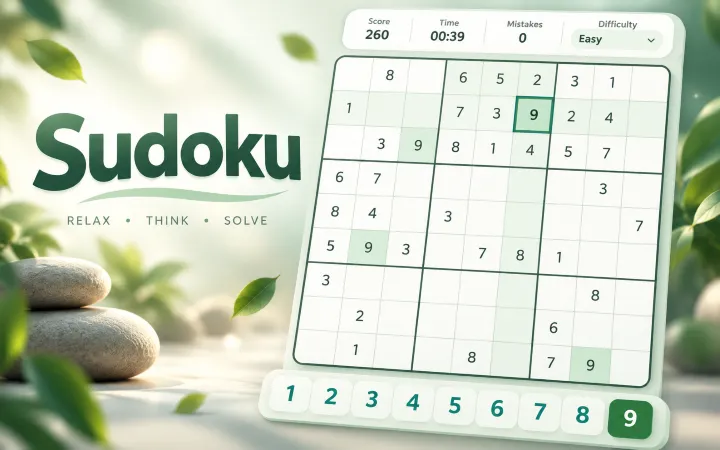
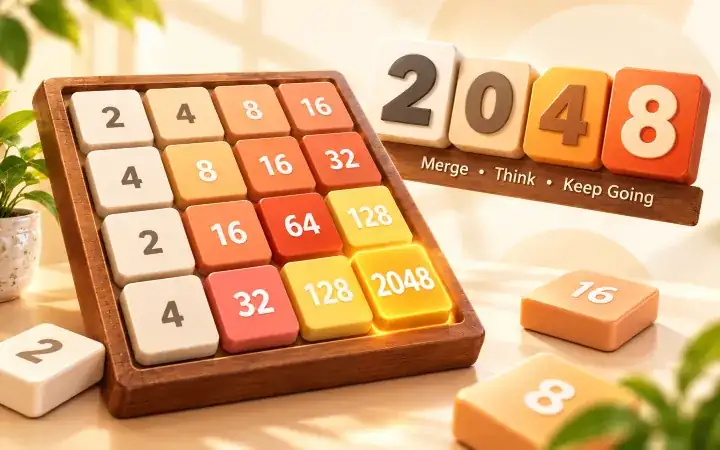
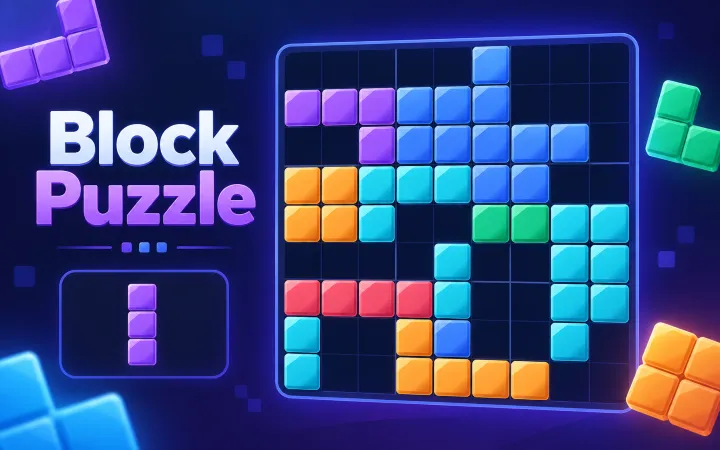
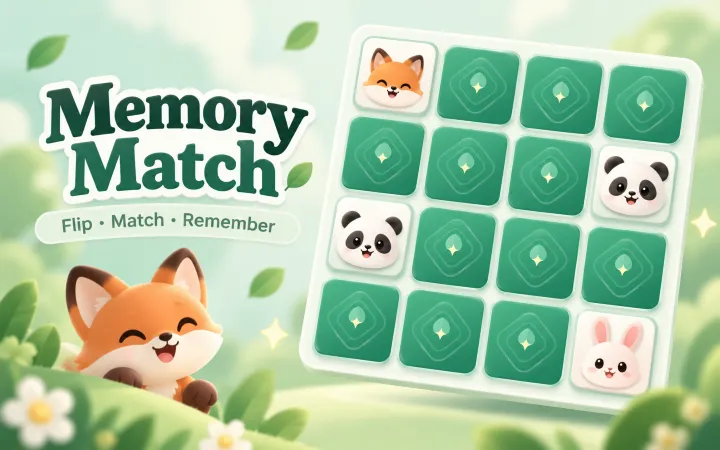
When you want a different kind of logic challenge, try Sudoku for number placement, 2048 for sliding numbers, Block Puzzle for spatial planning, or Memory Match for matching pairs.
Frequently asked questions
What is a Nonogram?
Nonogram, also called Picross or a picture logic puzzle, is a grid puzzle where row and column clues describe runs of filled cells. Solve both directions to reveal a pixel picture.
How do the clues work?
Each number gives the length of a consecutive filled run. Runs appear in the listed order, with at least one empty cell between them. A clue of 0 means that the entire line is empty.
What is the difference between Fill and Mark?
Fill colors a cell. Mark draws an X to record an empty cell. Tap again in the same mode to clear that state. You can also right-click to mark on desktop. X marks are optional for completion.
Does the game stop me from making mistakes?
No. You can fill any cell and undo or redo your changes. Check progress only checks when you ask, reports incorrect fills, and never changes the board. A hint fills one correct picture cell.
Which puzzle sizes can I play?
There are ten puzzles each at 5×5, 10×10, 15×15 and 20×20, for forty regular puzzles. Larger boards can be enlarged and scrolled inside the game on a phone.
How does Daily Challenge work?
Your device's local date selects one fixed puzzle from the static collection. Reloading on the same date keeps the same challenge. Daily progress and completion are saved separately from regular levels.
Is Nonogram free, and does it save progress?
Yes. No account or download is needed. When browser storage is available, each puzzle's fills, X marks, moves, active playing time and completion record are saved on your device. The timer starts with your first move and pauses when you leave the page.