What Is Block Puzzle?
Block Puzzle is an endless placement game built around a simple question: where can this shape go without closing off the board? You receive three pieces at a time and drag them onto a 9×9 grid. Filled horizontal rows, vertical columns, and outlined 3×3 boxes disappear, creating room for later pieces. There is no timer and no fixed level sequence. The aim is to keep the board flexible, create valuable clears, and build the highest score you can.
How to Play Block Puzzle
Read the set
Check all three tray pieces before committing the first one.
Rotate wisely
Spend one of three rotations to turn a piece 90 degrees clockwise.
Drag to place
Move the lifted preview over the board and release on a valid highlight.
Complete areas
Fill a row, column, or outlined 3×3 box to clear it immediately.
A translucent preview shows where the selected shape will land. If the shape crosses the edge or overlaps an occupied cell, the preview turns red and the piece returns to its tray when released. Tapping without crossing the drag threshold rotates instead, so a normal touch does not accidentally place the piece. Once all three tray slots are empty, the next set arrives automatically.
One placement may complete several targets. For example, a single cell can finish its row, its column, and its 3×3 box at once. The completed areas brighten in a quick wave and then disappear together. Multi-clears earn more than isolated clears and often leave a cleaner, more useful board.
Use Reserve for More Strategy
Reserve is the defining extra tool in this version. Move any current tray piece into the Reserve slot to hold it. If Reserve already contains a piece, the stored piece and the selected piece exchange places. You can then rotate and place the piece that returned to the tray normally.
Reserve can be used whenever an active piece remains, including when only one tray slot is occupied. There is no per-set use limit. A stored piece remains in the Hold slot when all three active slots empty and the next set appears, so you can protect a useful single block, postpone an awkward five-cell shape, or repeatedly swap pieces while planning their order.
Rows, Columns, and 3×3 Clears
The thicker board lines divide the grid into nine 3×3 boxes. Those boxes are active scoring targets, not decoration. You can clear any full row, any full column, or every cell in one of the boxes. Overlapping targets are detected from the same completed placement and cleared in one resolution.
Every placed cell adds a small base score. Rows and columns add clear bonuses, while a complete 3×3 box is worth more. Finishing multiple areas at once adds a multi-clear bonus. Clearing on consecutive placements builds a streak bonus, and emptying the whole board earns a Perfect Clear bonus. This rewards planning useful intersections instead of merely surviving for more turns.
Block Puzzle Tips and Strategy
- Inspect all three pieces before spending one of your limited rotations.
- Keep at least one long horizontal and vertical lane open for line pieces.
- Avoid isolated one-cell holes unless a single block is available or stored.
- Build near the edges when possible so the center remains flexible.
- Watch the 3×3 boundaries and prepare boxes alongside rows and columns.
- Save Reserve for a piece that is unusually valuable or difficult to place.
- Prefer a multi-clear setup when it does not leave a fragile board behind.
Long pieces are easiest to place while the board still has clean lanes. L, T, S, and Z shapes need broader pockets, so scattered gaps can become dangerous even when many cells remain empty. Rotate each candidate mentally and look for spaces that accept more than one future shape. A flexible opening is usually safer than packing every block tightly into one corner.
Clearing immediately is not always the best move. If a nearly complete row crosses a nearly complete column or box, one careful placement may finish both later. Balance that opportunity against the risk of blocking your remaining tray pieces. Reserve is most powerful when used as part of this order planning rather than as an automatic place to send the largest piece.
Play on Mobile or Desktop
On a phone or tablet, the dragged piece lifts above your finger so the landing cells stay visible. The board preview follows the grid, touch gestures do not select text or scroll the page during a drag, and the score, board, Reserve, tray, and essential controls fit into the main play view on common phone sizes.
Mouse play uses the same direct drag-and-drop interaction on a centered desktop board. Tap or click remains the rotation control. Reduced-motion settings replace long movement with short, clear state changes without altering placement rules or scoring.
Endless Play, Score, and Saving
The piece pool includes connected shapes from one to five cells. Early sets lean toward approachable pieces, while larger and more complex shapes become more common as the game continues. Sets avoid repeating the same base shape, but the game does not guarantee a convenient answer forever. It ends when no active or held piece fits, and the rotations you still have cannot create a playable direction.
When browser storage is available, Uletime saves the settled board, current pieces, remaining rotations, Reserve state, score, Best Score, and sound preference locally on the device. Reloading resumes that stable position without replaying an old clear or awarding points twice. Restart repeats the current sequence; New Game begins a fresh one.
Who Is Block Puzzle For?
Block Puzzle suits players who enjoy spatial planning without a countdown. Short sessions are easy to start, yet the scoring and Reserve decisions give experienced players room to improve. It can feel relaxing when you focus on tidy placements, or competitive when you chase streaks, multi-clears, and a new Best Score.
Frequently asked questions
How do I play Block Puzzle?
Drag one of the three available pieces onto an open part of the 9×9 board. Complete full rows, columns, or 3×3 boxes to clear blocks and keep making space. A new set appears after all three tray pieces have been used.
Can I rotate pieces?
Yes. A new game starts with three rotations. Each tap or click turns a tray piece 90 degrees and spends one rotation. Completing a 3×3 box restores one, up to the maximum of three.
What does the Reserve slot do?
Reserve holds one tray piece for later. If it already contains a piece, the held and selected pieces swap. You can use it whenever an active piece remains, and the held piece carries over into later sets.
How do I clear blocks?
Fill every cell in any horizontal row, vertical column, or outlined 3×3 box. One placement can complete several areas at the same time, and all completed areas clear together.
Is Block Puzzle free to play?
Yes. Uletime Block Puzzle is free to play in a supported browser with no account, purchase, download, or installation required.
Can I play Block Puzzle on mobile?
Yes. The board, lifted drag preview, Reserve controls, and piece tray are designed for touch screens and also work with a mouse on desktop browsers.
Does Block Puzzle save my progress?
Yes, when local browser storage is available. The current board, pieces, remaining rotations, Reserve state, score, Best Score, and sound preference are saved on that device.
What happens when no pieces fit?
The game ends when no active or held piece can fit in its current direction, and your remaining rotations cannot create a playable direction. Your final score is compared with the Best Score stored on the device.
More Games
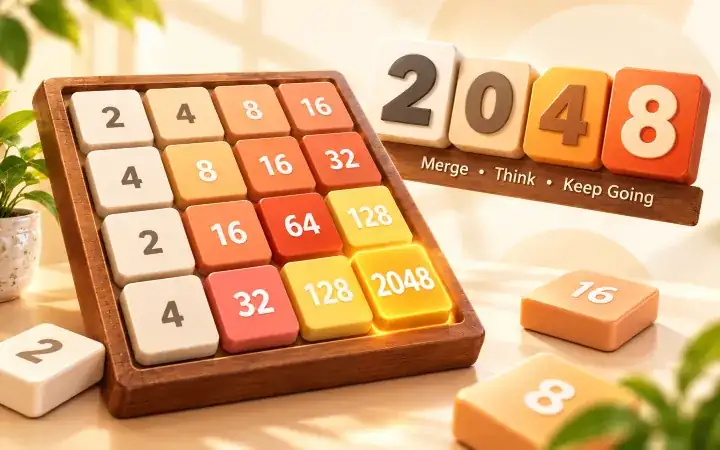
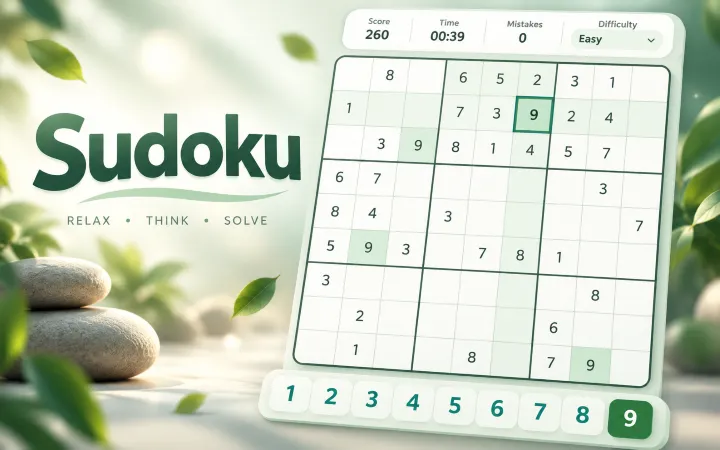
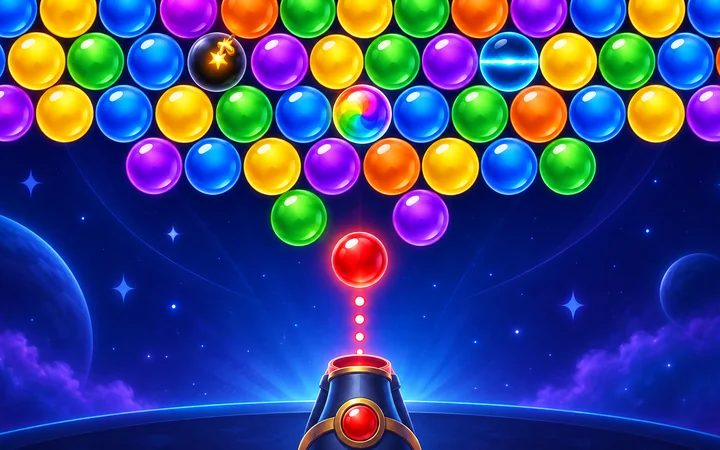
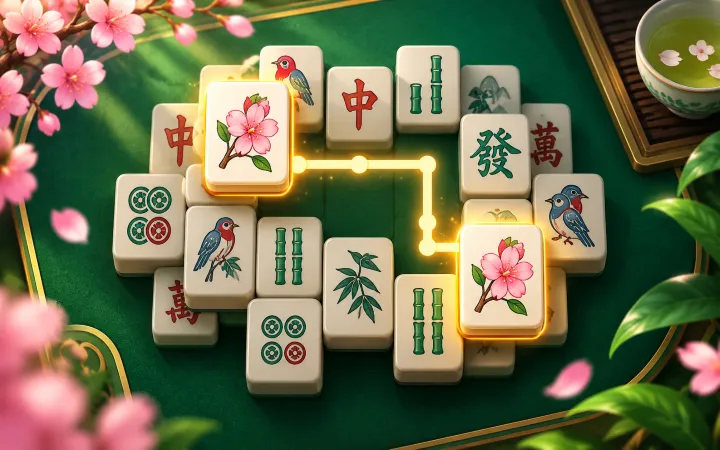
Continue with another free browser puzzle, or switch from spatial block planning to numbers, bubbles, tiles, or cards.