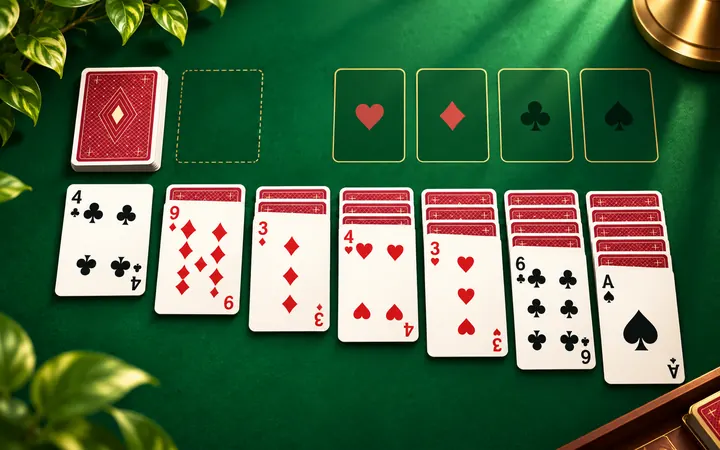
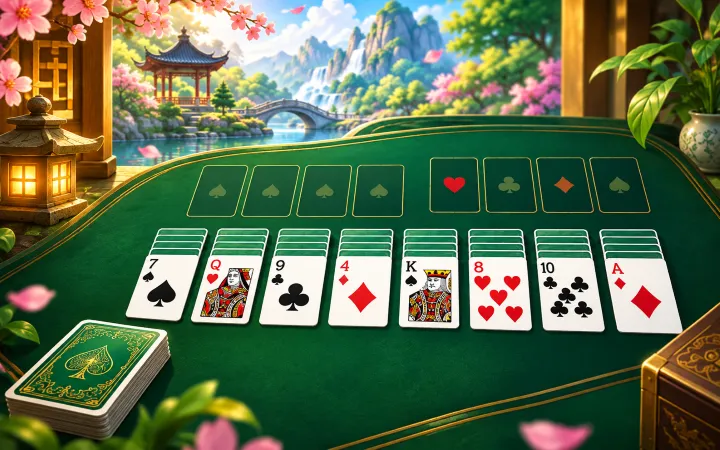
Play a deal yourself, then use this Klondike Solitaire Solver to search your current complete position in Draw 1 or Draw 3. Solve looks for a winning path; Next Step lets you follow individual actions, while Auto Play demonstrates the remaining solution. You can ask for help after making moves without restarting the game.
Klondike Solitaire Guides
How to Use the Klondike Solitaire Solver
- Choose Draw 1 or Draw 3 in New Game, then select Random or Winnable.
- Play normally, or select Solve to search the position currently on the table.
- When a solution is found, select Next Step to perform one verified action.
- Select Auto Play to watch the remaining solution unfold.
- Use Pause to stop playback or Cancel to stop an ongoing search.
Solve leaves your cards in place until you choose to follow the path. Moving cards yourself, drawing, using Undo, restarting or opening New Game clears the old solution. Search again after changing the position. For a detailed walkthrough, read How to Use a Klondike Solitaire Solver.
Draw 1 vs. Draw 3 Solving
Draw 1 turns over one stock card per action. Draw 3 turns over up to three, but only the top waste card is playable. Removing a waste card can change which cards become accessible later. The same complete card order can therefore have different available actions and solving results under the two modes.
The search follows your selected mode, including the actual stock and waste order. Uletime allows unlimited stock recycling, without reshuffling the remaining cards. A winning path for Draw 1 should not be assumed to work in Draw 3; each must be checked under its own rules.
How the Solitaire Solver Works
This online solitaire solver uses the complete board known to the Uletime game engine: face-down tableau cards, face-up sequences, stock, waste and foundations. Hidden cards remain hidden during normal play, but their identities are available to the search. It currently supports only games generated and played within this tool, with their full card order known.
Search runs locally in a browser Web Worker to keep computation separate from the main interface. Before a successful path becomes available, its actions are replayed through Uletime’s rules to verify a legal finish. Next Step and Auto Play then perform those actions through the normal game controls.
The tool does not import arbitrary games from other websites, read screenshots or solve unknown hidden cards. It also uses a search budget to limit work on your device. A verified path demonstrates a win, but does not promise the shortest possible solution.
Understanding Solver Results
- Solving your current position… means a search is running. Cancel stops it.
- Solution found means a legal winning path has passed replay verification. The status shows steps and playback progress.
- Unknown means no solution was found within the search budget. Timeout/Unknown means the time limit stopped the search. Neither proves the position is unwinnable.
- Search cancelled. means you stopped the search; it makes no claim about whether a win exists.
A Winnable deal has a verified path from its initial state, but your later choices can change the available continuations. Read Can Every Klondike Solitaire Game Be Solved? for the difference between a verified deal and an inconclusive search.
Learn Solitaire Strategy from Solutions
To learn how to solve solitaire, pause between steps and ask what each action makes possible. Notice when a move reveals a hidden card, opens a tableau column for a King, or changes access to the waste. Watch complete sequence transfers and delayed foundation moves: a card can be more useful as a temporary tableau support than as immediate foundation progress.
These are patterns to study, not a fixed move order for every deal. Explore Klondike strategy practice with a solver, or return to Klondike Solitaire to play independently.
Klondike Solitaire Solver FAQ
Can this Solitaire Solver solve any Klondike game?
It supports games generated and played inside Uletime, where the complete card order is known. It does not accept manually entered external deals or screenshots, and a winning result is not guaranteed for every position.
Does the Solver support Draw 1 and Draw 3?
Yes. Both modes are supported, and each search follows the current game’s actual draw rules and stock/waste order. A solution for one mode cannot simply be reused in the other.
Can I solve a game after making some moves?
Yes. Solve searches your current complete board rather than only the initial deal. Earlier choices may leave a position with no winning continuation, or one that exceeds the search budget.
Does Unknown mean my Solitaire game is impossible to win?
No. Unknown means no winning path was found within the search budget. It is not a proof that the position is impossible. You can keep playing, reconsider a move with Undo, or try another deal.
Can I watch the solution automatically?
Yes. Next Step performs one verified action at a time. Auto Play follows the remaining solution continuously; use Pause to stop further steps and inspect the position.