
Halloween 2048 Cupcakes: All 12 Tiles and Their Meanings
Explore all 12 Halloween 2048 Cupcakes tiles from Pumpkin (2) to Magic Potion (4096), with pictures, names, merge order, and recognition tips.
Play Halloween 2048 CupcakesHalloween 2048 Cupcakes replaces ordinary numbered tiles with a collection of spooky cupcake designs. You still play by the familiar 2048 rule: slide the board, combine two matching tiles, and work your way toward 2048. What changes is how you recognize each value. A pumpkin starts the collection; bats, ghosts, a spider, and other Halloween treats appear as you merge.
This visual guide shows all 12 cupcake designs, their values, and the order in which they appear. Use it as a reference when the board gets crowded or when you want to discover the next design.
Complete Halloween cupcake tile list
2 — Pumpkin
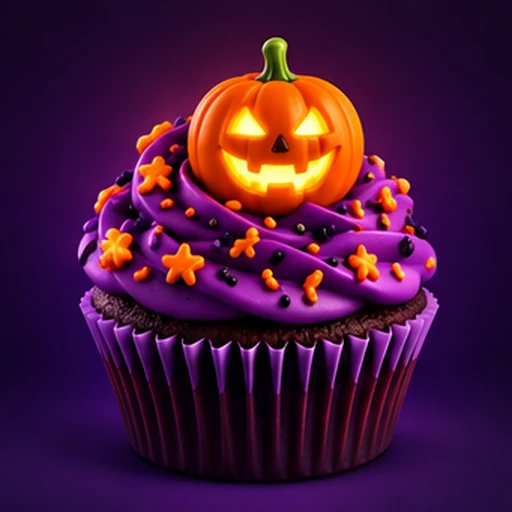
Glowing jack-o'-lantern on purple frosting
4 — Bat
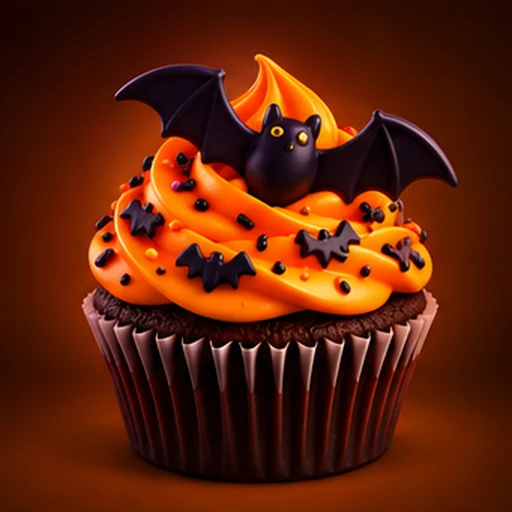
Black bat above bright orange frosting
8 — Ghost
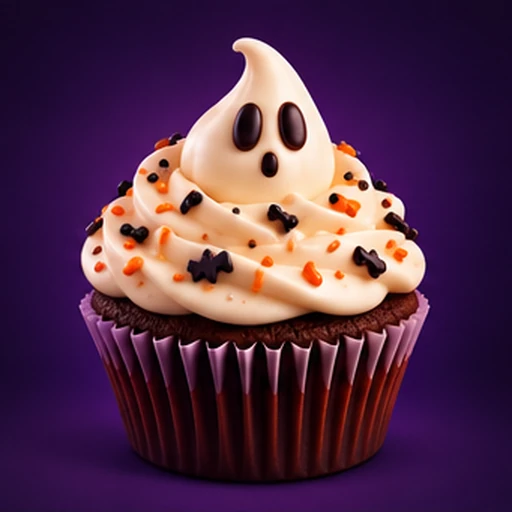
White ghost-shaped frosting with a friendly face
16 — Eyeball
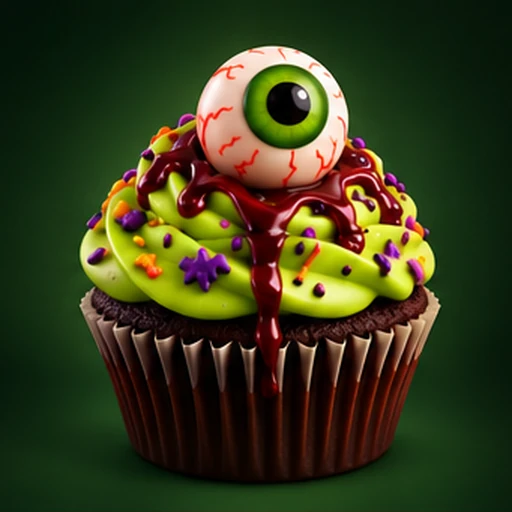
Large green eyeball on vivid green frosting
32 — Spider
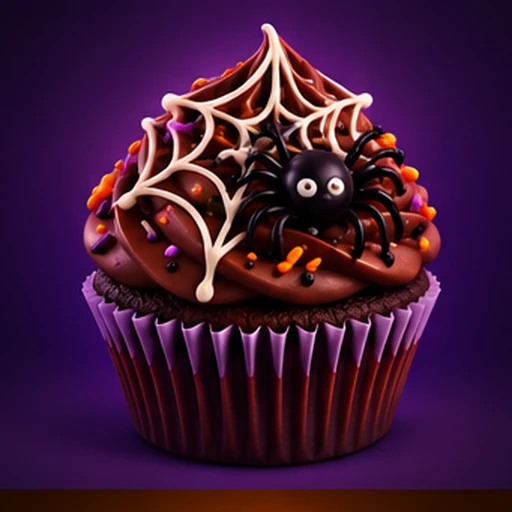
Spider and a web over dark frosting
64 — Candy Corn
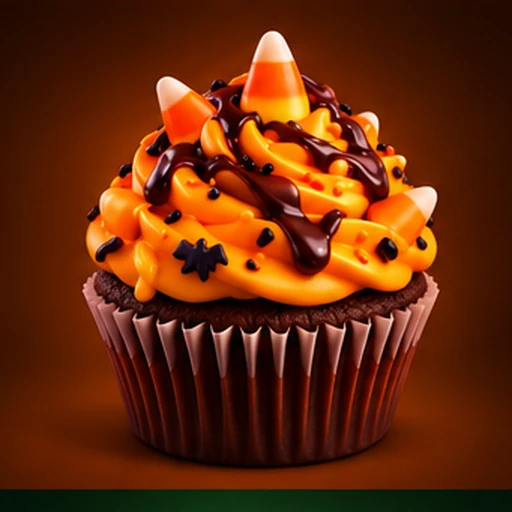
Candy-corn pieces on orange frosting
128 — Ghost Party
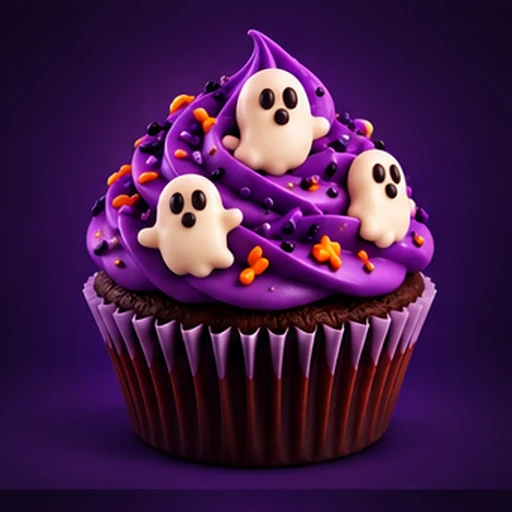
Several tiny ghosts on purple frosting
256 — Skull
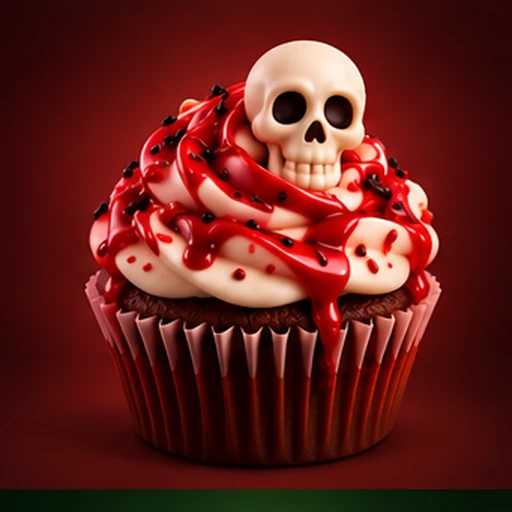
Pale skull surrounded by red-and-white frosting
512 — Graveyard
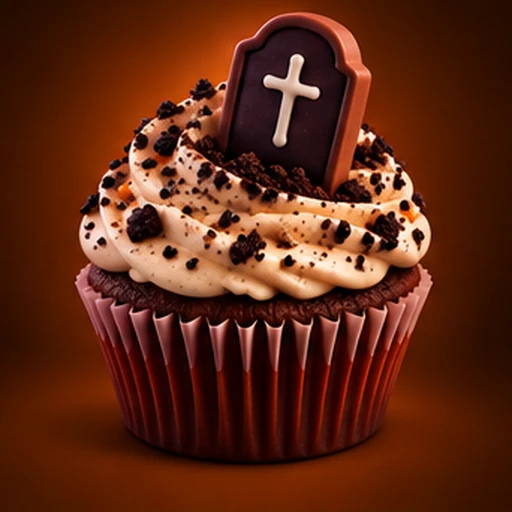
Tombstone set into pale, crumb-covered frosting
1024 — Witch Hat
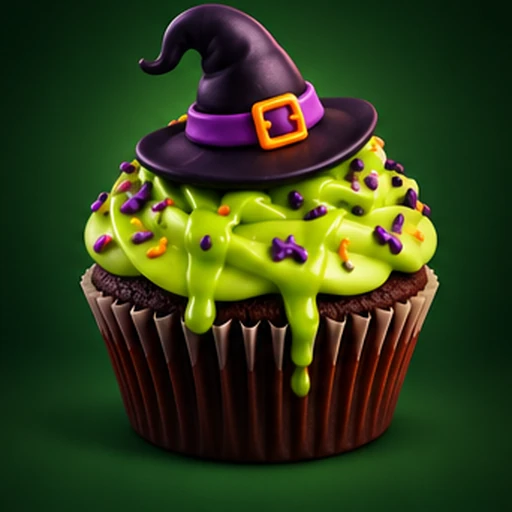
Pointed purple witch hat on green frosting
2048 — Moonlight
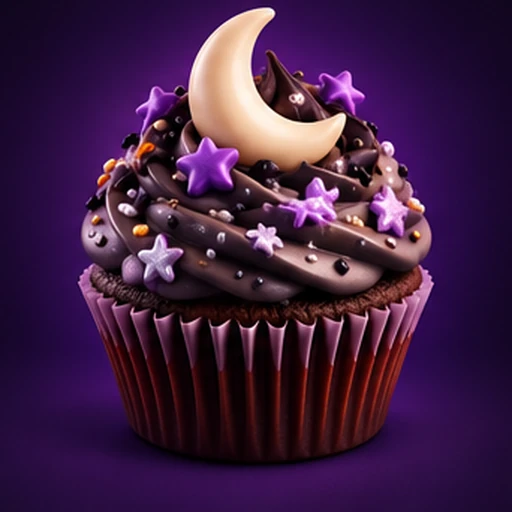
Crescent moon over dark, star-speckled frosting
4096 — Magic Potion
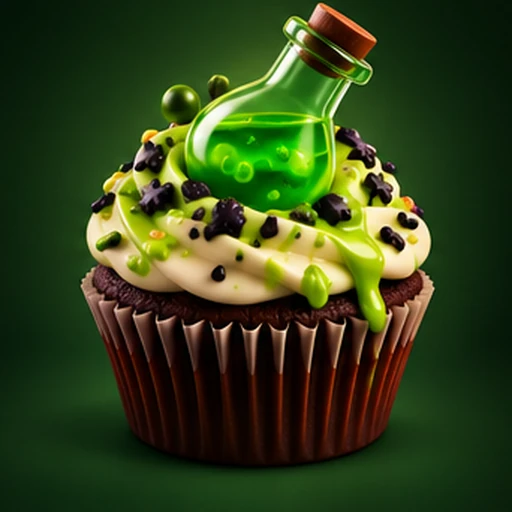
Glowing green potion bottle on green-and-cream frosting
The names describe the artwork in this Halloween edition. Tile values follow powers of two, just like classic 2048.
How to unlock the next cupcake
Combine two identical cupcakes to create the next one. Two Pumpkin (2) tiles produce one Bat (4); two Bat (4) tiles produce one Ghost (8), and so on.
For example, a Spider (32) plus another Spider (32) makes a Candy Corn (64). You cannot merge a Spider (32) directly with a Candy Corn (64), even if they sit next to each other. Matching values—not similar colors—determine the merge.
If you are starting a new game, the early designs are easier to learn in groups:
- 2–16: Pumpkin, Bat, Ghost, Eyeball. Recognize the prominent topper or face.
- 32–256: Spider, Candy Corn, Ghost Party, Skull. Watch for the web, candy pieces, multiple ghosts, and skull.
- 512–4096: Graveyard, Witch Hat, Moonlight, Magic Potion. These are the rare designs you build toward.
Which cupcake is the 2048 tile?
The Moonlight cupcake represents 2048, marked by a crescent moon and dark purple frosting. Reaching it is the main milestone of a standard 2048 run.
The Magic Potion cupcake represents 4096, the next design in this artwork set. After reaching 2048, choose Continue Playing to keep merging toward 4096; the artwork itself does not change the rules.
Tips for recognizing tiles on a small screen
On a phone, visual details can look smaller than they do in the collection view. Three habits help:
- Use shape before color. Pumpkin, eyeball, skull, hat, and moon are recognizable by silhouette. Several cupcakes share purple or green frosting, so color alone is not reliable.
- Read the value badge when unsure. A Spider (32) and a Moonlight (2048) may both use dark purple tones, but their numbers and toppers are different.
- Learn one step ahead. When you have a 128 tile, remember that the next is Skull (256). That makes it easier to plan which pair to build.
For a bigger reference, open the game's Collection view. It is particularly useful when you return after a break and want to remember which artwork belongs to which value.
Does Halloween 2048 Cupcakes play differently?
No. This is a visual Halloween edition of 2048 Cupcakes, not a separate puzzle rule set. Cupcake artwork does not add powers, blockers, timed enemies, or special merge effects. Your challenge remains finding space, combining matching values, and preserving a workable board.
To play with these designs, open Halloween 2048 Cupcakes. If you prefer a different look, you can also try Classic 2048 Cupcakes or Christmas 2048 Cupcakes.